7 Essential Checks Before Choosing an IPTV Player
Selecting the right IPTV player application is just as vital as choosing a reliable IPTV provider. The player software determines how fast channels load, how smooth live sports stream, and how easy it is to navigate 35,000+ live feeds.
Here are the 7 key factors every UK streamer should evaluate:
1. Hardware Compatibility & Native Codecs
Ensure the app supports hardware-accelerated video decoding on your specific device. For Amazon Firestick 4K Max or Apple TV 4K, native H.265 (HEVC) decoding prevents frame drops during 50fps Premier League matches.
2. Login Protocol: Xtream Codes API vs M3U Playlist
Always opt for players supporting Xtream Codes API. Compared to raw M3U URLs, Xtream API automatically parses series metadata, episode ordering, and fast multi-category EPG without downloading heavy text files every startup.
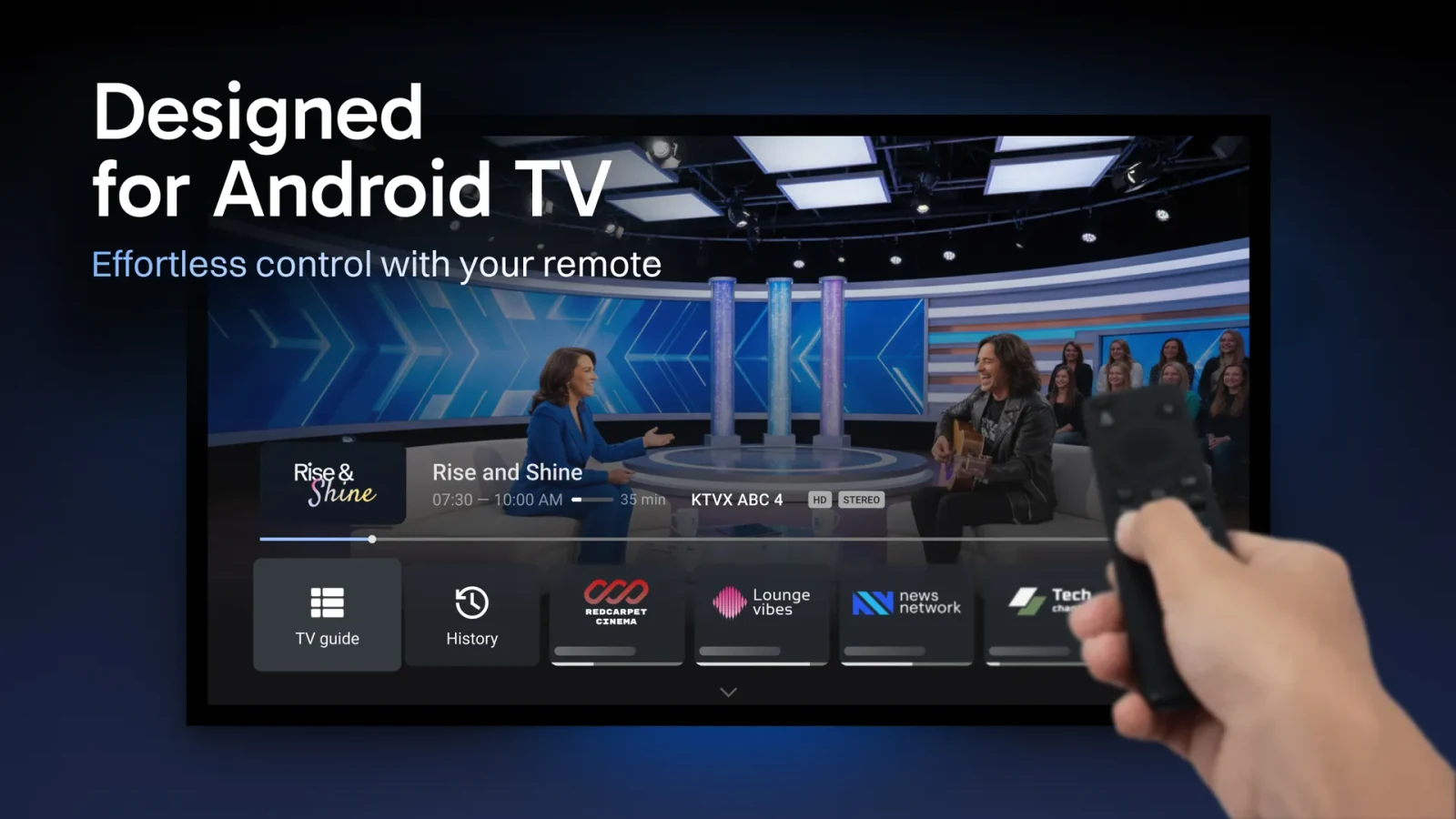
3. Electronic Programme Guide (EPG) Performance
A robust EPG engine caches channel schedules locally. Premium players like TiviMate and IPTV Smarters Pro update the 7-day guide seamlessly in the background.
4. Buffer Size & Catch-Up Features
Look for players offering adjustable buffer lengths (0ms to 5000ms). Increasing buffer size slightly stabilizes stream consistency over Wi-Fi, while 7-day catch-up lets you replay missed matches.
5. Multi-Screen & PIP (Picture-in-Picture)
If you follow simultaneous Saturday 3:00 PM kick-offs, multi-view is a game-changer. It allows splitting your TV screen into 2, 3, or 4 live feeds simultaneously.
6. App Licensing & Security
Only download players from legitimate app repositories (Amazon Appstore, Google Play, Apple App Store). Avoid modified “cracked” APKs that inject background mining scripts or leak your Xtream credentials.
7. Customer Support & Regular Updates
The streaming ecosystem changes rapidly. Choose active software that receives updates whenever operating systems (tvOS, Fire OS 8, Android 14) introduce new audio-video codecs.